Adopt Me Fonts Generator - Free Roblox Font Tool
Generate and copy aesthetic adopt me fonts for Roblox Adopt Me. Create stylish text with bubble, bold, cute, preppy, aesthetic, small caps, and more font styles. Perfect for unique player names, pet names (Shadow Dragon, Frost Dragon), and chat messages.
Roblox may filter some characters. Keep names short.
More Tools
✨ Preppy Font Generator
Create aesthetic preppy names with symbols like ✨ 🎀 🐾. Perfect for that clean, polished look.
🎀 Safe Symbols
Browse safe symbols that work in Roblox. All symbols tested and labeled with safety status.
🔍 Tag Filter Checker
Test if your font name will work in Roblox before using it. Get safety scores and suggestions.
🐉 Pet Name Bank
Find perfect names for your pets. Frost dragons, shadow dragons, cows, and more.
What is an Adopt Me Font Generator?
An Adopt Me Font Generator is a specialized tool designed for Roblox players who want to customize their in-game appearance. Unlike standard text, this tool converts your letters into mathematical alphanumeric symbols (like 𝐁𝐨𝐥𝐝 or Ⓑⓤⓑⓑⓛⓔ). These symbols allow you to bypass the standard font limitations in Roblox chat, pet names, and profile bios, giving you a unique aesthetic that matches your style.
Why Default Fonts get filtered in Roblox?
Roblox uses a sophisticated filter known as "Community Sift" to keep the platform safe. This system aggressively blocks numbers, personal info, and "inappropriate" phrases. However, it often false-flags innocent pet names like "Cookie" or "Princess" simply because they might be used in other contexts.
The "Font" Solution: By using our font generator, you are technically using Mathematical Alphanumeric Symbols (like 𝙼𝚊𝚝𝚑). To the Roblox filter filter, "C" (Latin letter) and "𝙲" (Mathematical Monospace) are completely different characters. This often allows your text to "bypass" the strict word list while remaining readable to humans.
Note: While this helps with innocent names, never use fonts to bypass filters for bullying or inappropriate language. That will get your account banned.
3 Ways Fonts Increase Pet Trading Value
The "Pro" Signal
A default font signals a "casual player." A styled font like 𝐁𝐨𝐥𝐝 signals a "trader" who knows market values. People offer fair trades to pros.
Emotional Appeal
Naming a pet "plz adopt" is spammy. Naming it "🥺𝓹𝓵𝔃 𝓪𝓭𝓸𝓹𝓽🥺" is cute. Cute pets get accepted for free more often.
Differentiation
In a server with 10 Unicorns, the one named ✨🦄Starfire🦄✨ captures attention first. Attention leads to trade requests.
Frequently Asked Questions
Are these real fonts or hacks?
These are not hacks or custom files. Our tool generates Unicode characters that look like styled fonts. Because they are standard text characters, you can copy and paste them directly into Roblox without installing any software.
Why do some fonts show as boxes or question marks?
This happens when a device (like an older phone or tablet) doesn't support specific Unicode symbols. For the best compatibility in Adopt Me, we recommend using Bubble Fonts or Bold text, as these are supported on almost all devices.
Can I use these fonts for my pet's name?
Absolutely! These fonts are perfect for naming pets like the Frost Dragon, Shadow Dragon, or Unicorn. Styled text helps your pet stand out in the trading center. Just keep the name short (under 20 characters) to avoid filtering.
How to Use Styled Text in Roblox
Our generator creates styled Unicode text that works in Roblox Adopt Me. Follow these steps to customize your player name, pet name, or chat messages. For detailed instructions with screenshots, see our complete tutorial.
Step 1: Generate Your Styled Text
Type your desired text in the input field above. Choose from 50+ font styles including bubble, bold, cute, or aesthetic fullwidth. Click "Copy" to copy the styled text to your clipboard.
Step 2: Change Your Player Name
Open Roblox and navigate to your profile settings. Click "Edit" next to your display name, paste the copied text, and save. Your new styled name will appear in Adopt Me and other Roblox games.
Step 3: Name Your Pets
In Adopt Me, select a pet and click the name tag icon. Paste your styled name. Keep pet names short (under 20 characters) for best compatibility. Simpler styles like bubble or bold work most reliably for pet names.
Step 4: Use in Chat
You can also use styled text in chat messages. Type your message, copy the styled version from our generator, and paste it into the chat. Note that Roblox may filter some special characters in chat, so simpler styles work best.
Most Popular Font Styles
Based on user feedback and compatibility testing, these styles are the most popular and reliable:
Bubble Fonts
Bubble fonts are the most popular choice. They create a cute, playful look with circled letters that stand out. Perfect for pet names and player names. High compatibility with Roblox. Browse all font styles.
Bold Fonts
Bold fonts provide strong emphasis and excellent readability. Great for making your name stand out without being too decorative. Works reliably across all Roblox devices and platforms.
Cute Fonts
Cute fonts with hearts and decorations are very popular, especially among younger players. These styles add personality and charm to names. Best for pet names.
Aesthetic Fullwidth
Aesthetic fullwidth (vaporwave style) creates a retro, wide-spaced look. Very popular for unique player names. Note: May appear differently on mobile devices.
Small Caps
Small caps offer a clean, professional look. Excellent for readable names that still look unique. High compatibility and works well for both player and pet names.
Star Decorations
Star-decorated fonts are trendy for creating eye-catching names. Styles like "Star Brackets" and "Aesthetic Decor" add visual appeal while maintaining good Roblox compatibility.
Tips for Best Results
- •Keep names short: Roblox has character limits. Names under 20 characters work best and are less likely to be filtered.
- •Test before finalizing: Try your styled name in-game first. Some fonts may not display correctly on all devices.
- •Avoid excessive symbols: Too many decorative characters can trigger Roblox filters. Use moderation for best results.
- •Mobile vs Desktop: Some styled text displays differently on mobile. Test on your primary device before sharing.
- •Combine with emojis: Use our name generator to combine fonts with emojis for even more unique names.
Is it Safe to Use Styled Text in Roblox?
Yes, styled Unicode text is safe to use. These are standard Unicode characters that Roblox supports. However, keep these points in mind:
- ✓Our generator uses official Unicode characters - no hacks or exploits
- ✓Roblox officially supports Unicode text rendering
- ⚠Some characters may be filtered by Roblox’s moderation system
- ⚠Rare or unusual Unicode characters might not display on all devices
Troubleshooting Common Issues
Name appears as question marks (???)
This usually means the device doesn’t support those Unicode characters. Try using more common styles like Bold or Bubble fonts.
Name gets filtered or rejected
Roblox may filter names with too many special characters. Try shorter names or simpler font styles. Avoid combining multiple decorative styles.
Font looks different on mobile
Some devices render Unicode differently. Test your name on the device you’ll primarily use. Bubble and Bold fonts have the best cross-device compatibility.
Need more help? Check out our FAQ page for detailed answers to common questions, or read our blog for tips and guides. You can also use our name generator to create cute pet names with emojis and styled text combined.
About This Tool - Creator's Story
Hi, I'm a longtime Adopt Me player with 5 years of experience and dozens of Mega Neon pets. When naming my first Frost Dragon in 2020, I was frustrated by Roblox's plain text limitation.
I spent hours manually copying Unicode characters from different websites, only to find most were filtered or displayed as boxes. That's when I decided to build a comprehensive, tested tool specifically for Roblox Adopt Me.
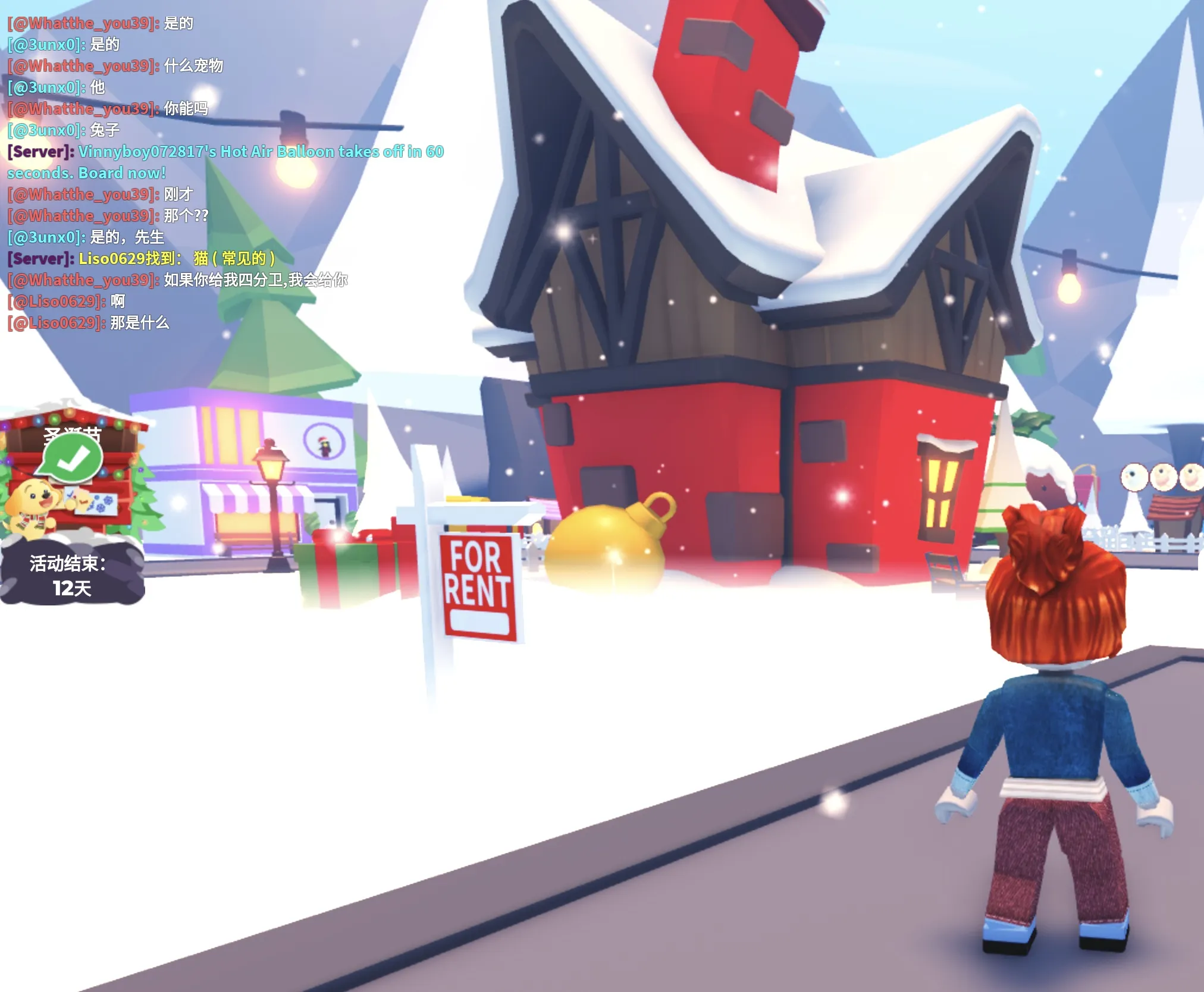
My character in Adopt Me testing different font styles
Every font style here has been personally tested in-game across devices (PC, mobile, tablet). The compatibility ratings come from real player feedback in the Adopt Me trading community.
Expert Tips for Adopt Me Players
Naming Your Pets
Struggling to name your new legendary pet? Check out our curated lists for specific pets.
Safety & Filters
Learn how to create names that won't get tagged by Roblox's filter system.
Read our Anti-Filter Guide →Latest from the Blog
Adopt Me Pet Naming for Trading: Emotional Marketing Strategies
You're not just trading a digital pet; you're trading a friend. Learn how to use "Name Value" to increase your trade offers by up to 25%.
How to Prevent Name Filtering in Roblox 2025
Why does "Cookie" turn into "######"? Understand the Roblox "Community Sift" filter and how to format your name to stay safe.