How to Prevent Your Name from Being Filtered in Roblox
6 min read
One of the most frustrating experiences in Roblox Adopt Me is creating the perfect name, only to have it rejected by Roblox's filter system. Understanding why names get filtered and how to avoid it can save you time and help you create names that work reliably.
Why Roblox Filters Names
Roblox uses automated filtering systems to maintain a safe and appropriate environment for players of all ages. The filter checks names for:
- Inappropriate words or phrases
- Profanity or offensive language
- Personal information (phone numbers, addresses, etc.)
- Excessive special characters that might be used to bypass filters
- Names that are too long
Best Practices for Name Creation
Keep Names Short
Roblox has character limits for names. Keeping your name under 20 characters significantly reduces the chance of it being filtered. Shorter names are also easier to read and remember.
Use Simple Font Styles
While decorative fonts can look great, simpler styles like Bubble or Bold fonts have higher compatibility and are less likely to trigger filters. Avoid combining multiple decorative styles in one name.
Test Before Using
Always test your name before finalizing it. Our Tag Filter Checker can help you identify potential issues before you try to use the name in Roblox.
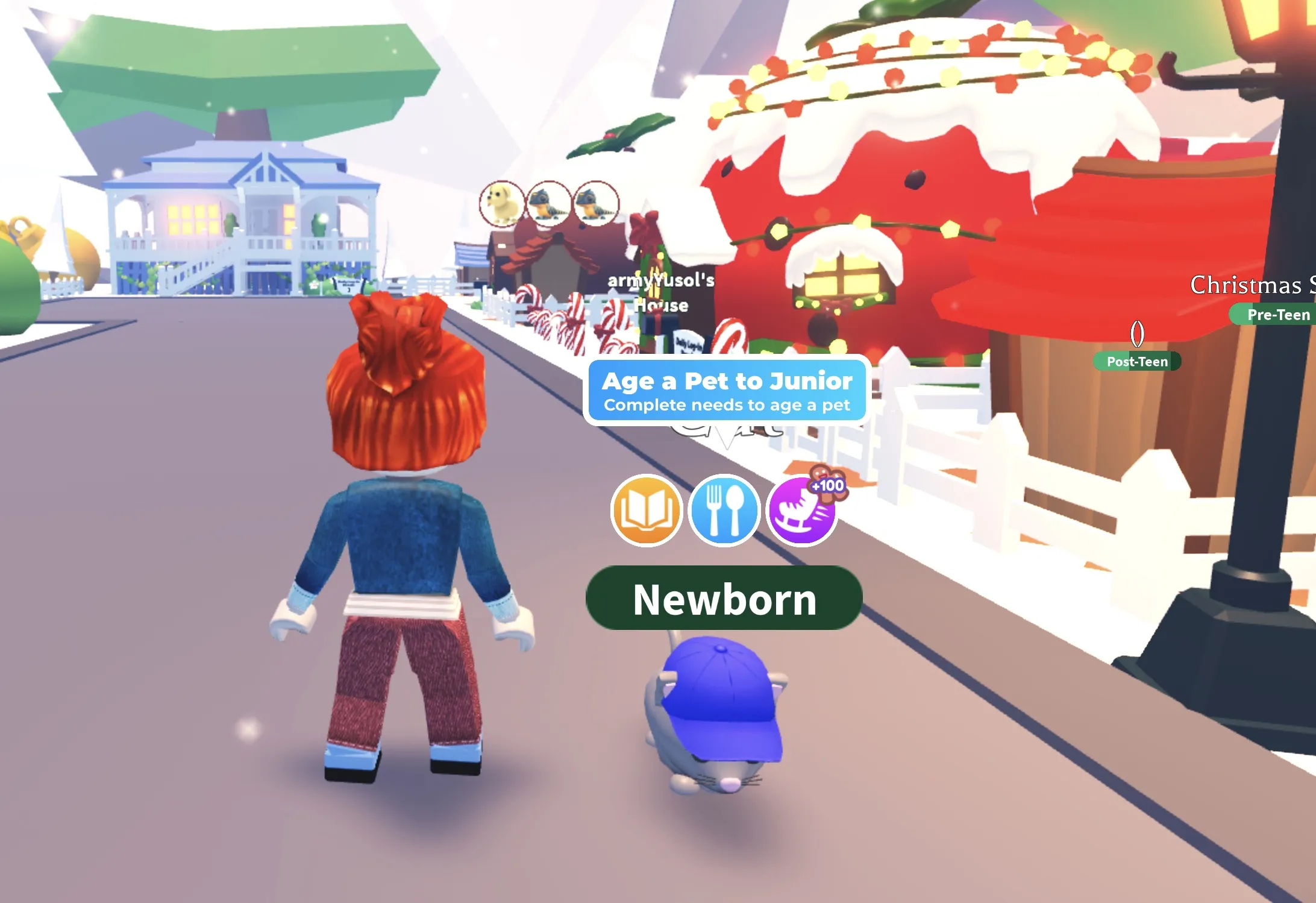
The pet rename dialog in Adopt Me where you paste your styled name
Common Filter Triggers
- Too many special characters: While Unicode fonts are supported, using too many decorative characters can trigger filters
- Inappropriate content: Even with special characters, Roblox's filter can detect inappropriate words
- Personal information: Never include real names, addresses, or phone numbers
- Excessive length: Very long names are more likely to be filtered
What to Do If Your Name Gets Filtered
If your name gets rejected:
- Try a shorter version of the name
- Use a simpler font style (Bold or Bubble instead of decorative styles)
- Remove any special characters or emojis and try again
- Check if the base word might be triggering the filter and try a synonym
Safe Font Styles for Roblox
Based on our testing and user feedback, these font styles have the highest compatibility:
- Bold: Excellent readability and compatibility
- Bubble: Very popular and reliable
- Small Caps: Clean and professional
- Double Struck: Works well across devices
Final Tips
Remember that Roblox's filter system is constantly updated, so what works today might not work tomorrow. Always test your names, keep them short and simple, and use our Tag Filter Checker to verify compatibility before using names in-game.